WordPress SEO: How to Publish Optimized Content on Autopilot

WordPress SEO means optimizing a site's on-page elements — titles, meta descriptions, header structure, permalinks — and technical performance, then publishing new, optimized content on a consistent schedule. In 2026, most sites have already solved the first half; it's the second half, consistent publishing, that quietly stalls their rankings.
WordPress SEO Basics That Still Matter in 2026
Crawlable structure, fast load times, secure hosting, and clean permalinks are still table stakes. According to W3Techs, WordPress powers more than 43% of all websites globally, which is exactly why plugins like Yoast and Rank Math have made basic on-page setup close to a solved problem for most site owners — the fields exist, they're just not always filled in well.
On-page fundamentals: titles, meta descriptions, structure
Title tags, meta descriptions, header hierarchy, and internal linking still matter to how search engines represent your pages. But in the site audits we run before onboarding new clients, the most common issue isn't a broken plugin setting — it's duplicate meta descriptions. In one recent audit we found five separate pages sharing near-identical descriptions, which effectively tells search engines the content is interchangeable and dilutes click-through in the results. If you haven't checked for this, our Website SEO Checker guide walks through what to look for first.
The Real Bottleneck Isn't Optimization — It's Publishing Cadence
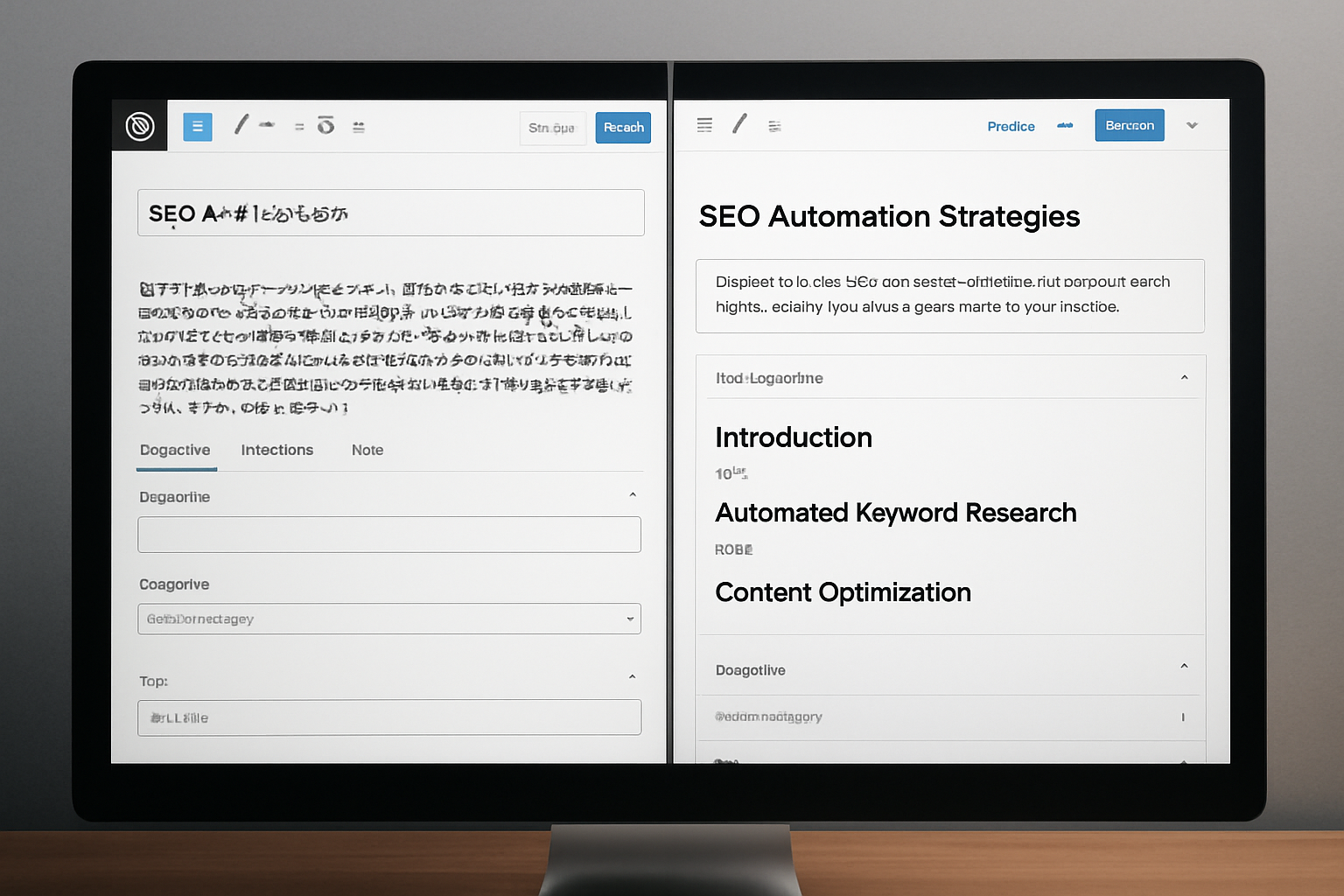
Most WordPress sites eventually get the on-page checklist right. What breaks down is cadence. A site that publishes two well-optimized posts and then goes quiet for three months loses the compounding value those posts were supposed to build. Google's own guidance has long been that publishing frequency isn't a direct ranking factor — but consistent, quality content correlates with sustained organic growth, simply because it gives search engines more indexed, relevant pages to match against more queries over time. The real bottleneck usually isn't ideas or even writing skill; it's the operational grind of research, drafting, formatting, and shipping content week after week without it falling off the calendar. We've written more on where this kind of work can safely be automated in our automation explainer.
How Direct WordPress Publishing Removes the Copy-Paste Step
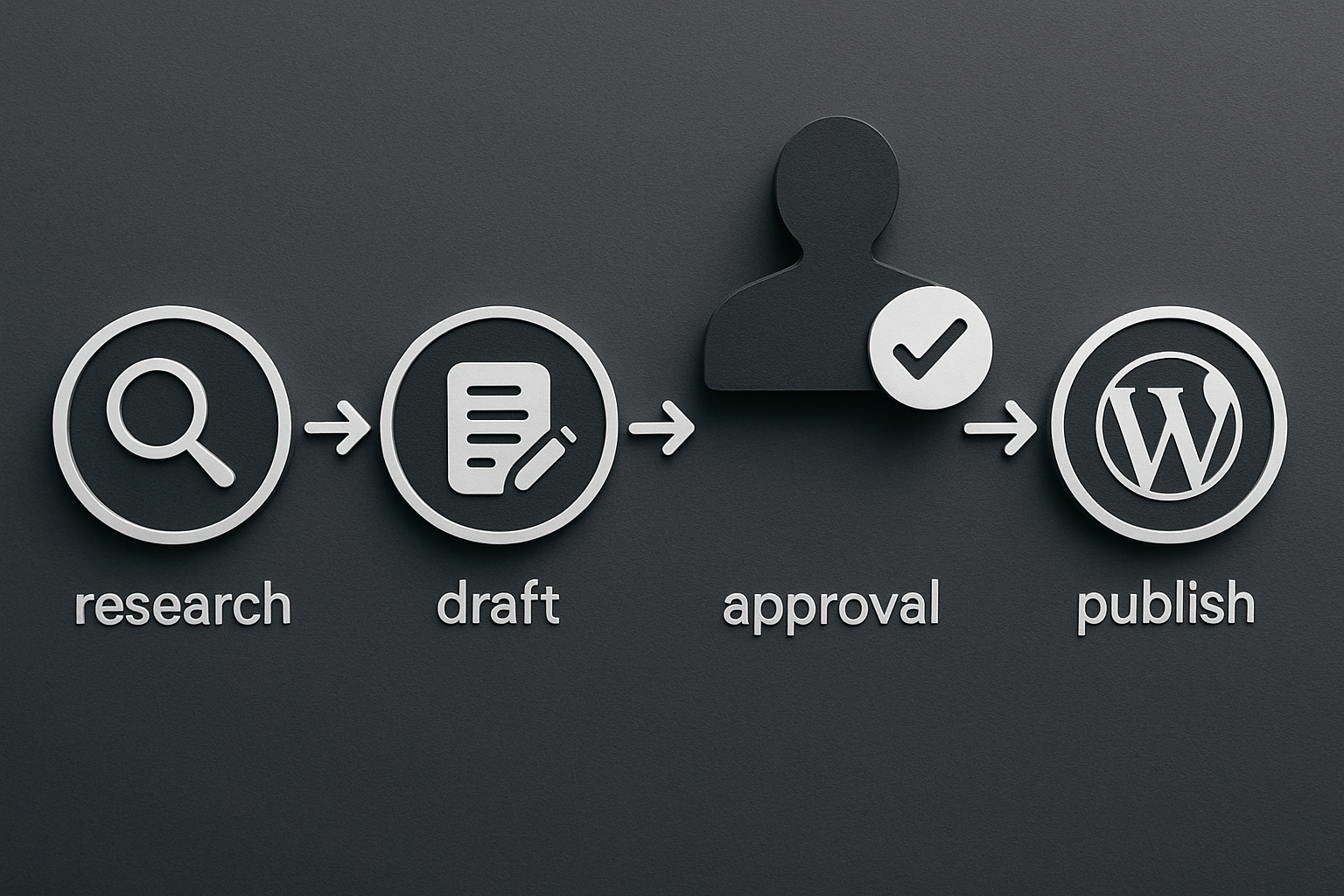
This is where most DIY workflows quietly fail: content gets drafted in a doc, sits in review, and then someone has to manually format it for WordPress — headers, meta fields, categories, internal links, images — before it ever goes live. Every manual handoff is a place where publishing stalls or an SEO field gets skipped entirely. Direct WordPress integration removes that step: optimized drafts, complete with meta descriptions and structured headings, get pushed straight into your site as drafts for approval — no copy-paste, no missed fields.
Keeping Quality Control With Pre-Publish Approval
Automating the mechanics of publishing doesn't mean removing judgment from the process. Every draft should still be reviewed before it goes live — checking facts, tone, and whether it genuinely serves the keyword it's targeting. That's the model worth insisting on: content researched and drafted daily, then held for your approval (or published automatically once you trust the pipeline), rather than skipping the review step to chase volume. See our comparison of SEO automation tools vs. a done-for-you service for how this differs from running a pure software tool yourself.
Measuring What Your Published Content Actually Does
Publishing consistently only pays off if you can see what's working. Rank tracking, backlink tracking, and monthly reporting tell you whether new posts are climbing for their target keyword or just sitting indexed and ignored. Our SEO reporting guide for non-marketers covers how to read those numbers without a dedicated analyst on staff.
If your WordPress site has the plugins installed but the publishing calendar keeps slipping, that's the gap worth closing first. Connect your WordPress site and start receiving daily drafts to approve.
Frequently asked questions
What is WordPress SEO, exactly?
WordPress SEO is the combination of on-page optimization (titles, meta descriptions, header structure, permalinks) and technical setup (speed, security, crawlability) on a WordPress site, paired with a consistent publishing schedule of new, optimized content.
Does WordPress SEO require plugins like Yoast or Rank Math?
These plugins make on-page tasks like meta descriptions and sitemaps easier to manage, but they don't guarantee good SEO by themselves — the content quality and publishing consistency behind them matter just as much.
Does publishing frequency directly affect WordPress SEO rankings?
Publishing frequency itself isn't a direct Google ranking factor, but consistent, quality publishing correlates with sustained organic growth because it gives search engines more relevant, indexed pages to match against queries over time.
What's the most common on-page SEO mistake on WordPress sites?
Duplicate or near-identical meta descriptions across multiple pages are one of the most common issues found in site audits, and they weaken how search engines and readers distinguish between pages in results.
Can WordPress content publishing be automated without losing quality control?
Yes — the key is separating the mechanical steps (drafting, formatting, publishing) from editorial judgment, using a pre-publish approval step so a human still reviews content before it goes live.